A menu guests open from the QR code and understand at a glance.
Categories, dishes, photos, prices and availability in a light menu made for phones, which you update in seconds.
Categories that guide the choice.
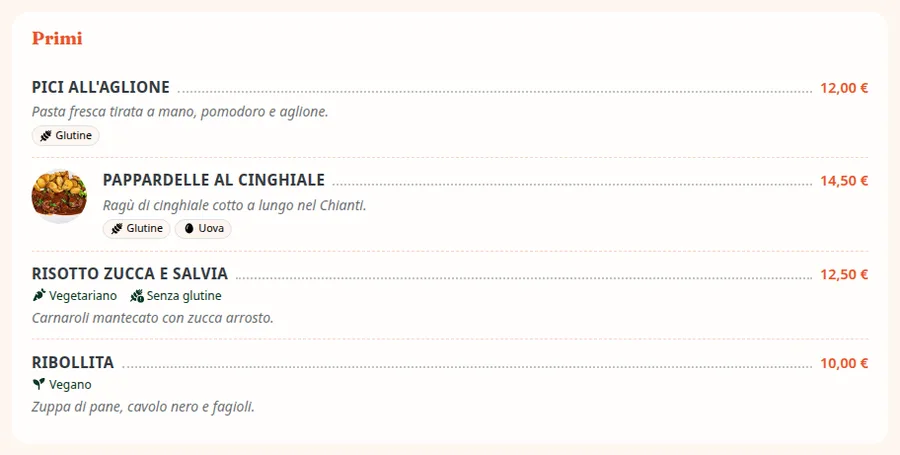
Organize the menu in categories, each with its own style: list, photo grid, compact, printed menu and more.
- Nine styles for categories
- An image or icon for every category
- Quick jumps from one category to the next
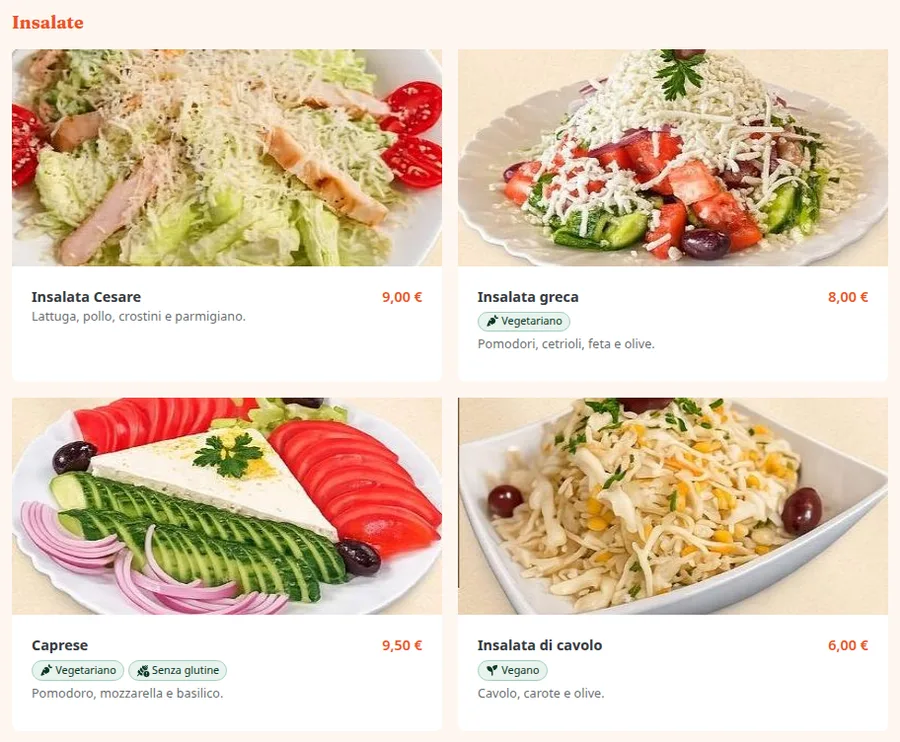
Every dish with everything it needs.
Name, description, photo, portion, sizes with their prices, allergens and labels such as vegan or gluten-free.
- Sizes and portions, each with its price
- Promotional prices with a start and an end
- Sold out in one tap
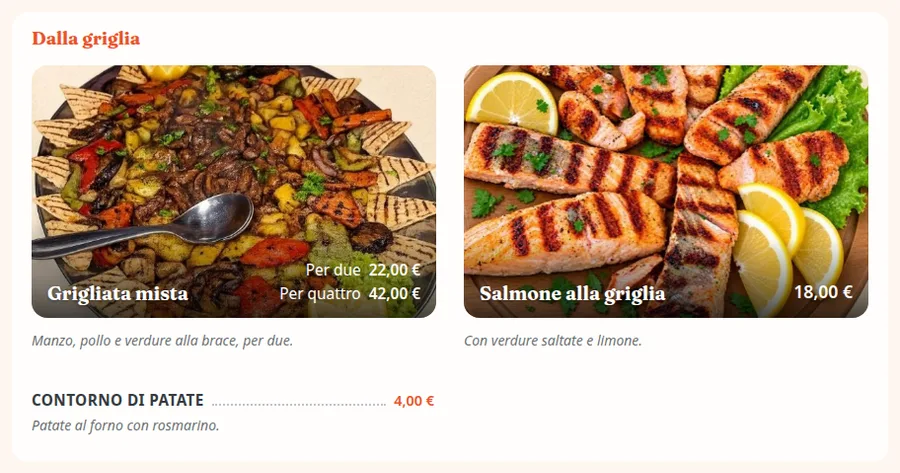
You manage it, whenever you like.
Dishes, prices and availability update on the public menu at once. To get going fast, load everything from a CSV or with quick add.
- CSV import with a preview
- Quick add of several items
- Duplicate menus, categories and dishes
The other parts of Dinnerhere.
Frequently asked questions
If I change a price, do guests see it right away?
Yes: dishes, prices and availability update on the public menu at once. Changes to the look stay in draft until you publish them.
How do I flag a dish that's run out?
Mark it unavailable with one tap: it stays on the menu, shown as sold out, until you turn it back on.
Can I upload the menu I already have?
Yes, from a CSV file, even one exported from Excel or Google Sheets: match the columns, check the preview and confirm. For a few dishes there's quick add, several items on one screen.
Do guests need to install an app?
No. They point their camera at the QR code and the menu opens in their phone's browser.
Can't find the answer you need?
Write to us: our support team answers any doubt or question.
Try Dinnerhere in your venue.
14 days free, no credit card. Create the menu, print the QR code and you're online.