A menu that looks like your venue.
Ready-made themes, colors, fonts, logo and cover, and a page built from blocks, previewed on desktop and mobile before you publish.
Ready-made themes, in one click.
Modern, elegant, bistro or fresh: each theme sets colors, fonts and decorations, then you make it yours.
- Four ready-made themes
- Accent color and fonts
- Light or dark theme
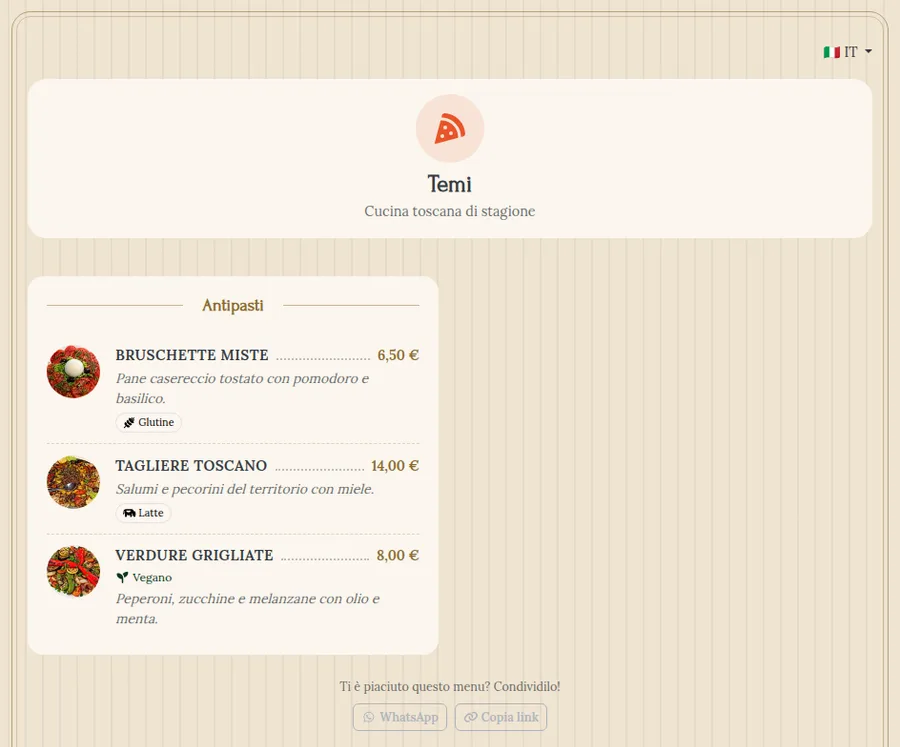
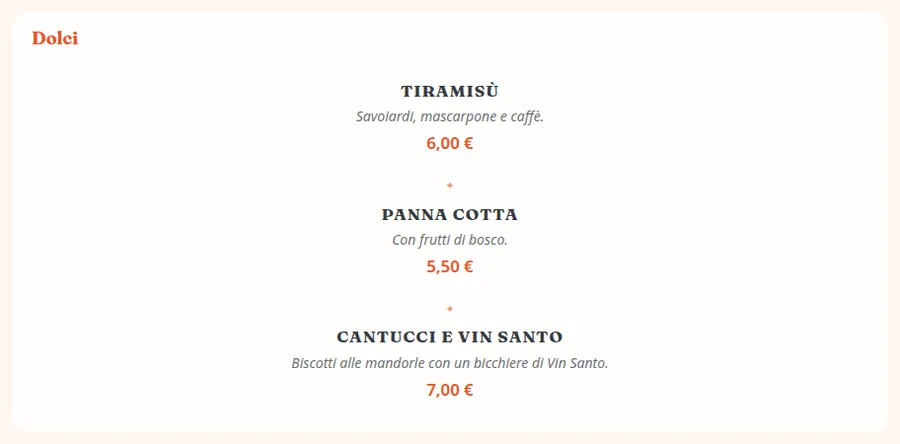
A style for every category.
List, photo grid, compact, printed menu, showcase, alternating, price table, chalkboard and set menu: the right style for every category.
- Nine styles for categories
- Photos, icons and category images
- Textures and decorations
A page of blocks, in draft until you publish.
Welcome, header, text, gallery, hours, promotions, allergen legend and footer: add them, reorder them and preview them.
- Desktop and mobile preview
- Changes in draft until you publish
- Logo and cover in the header
The other parts of Dinnerhere.
Frequently asked questions
Can the menu match my venue's style?
Yes: ready-made themes, colors, fonts, logo and cover, and nine styles for categories, from a printed menu to a chalkboard.
If I change a price, do guests see it right away?
Yes: dishes, prices and availability update on the public menu at once. Changes to the look stay in draft until you publish them.
Can't find the answer you need?
Write to us: our support team answers any doubt or question.
Try Dinnerhere in your venue.
14 days free, no credit card. Create the menu, print the QR code and you're online.